
Language Settings
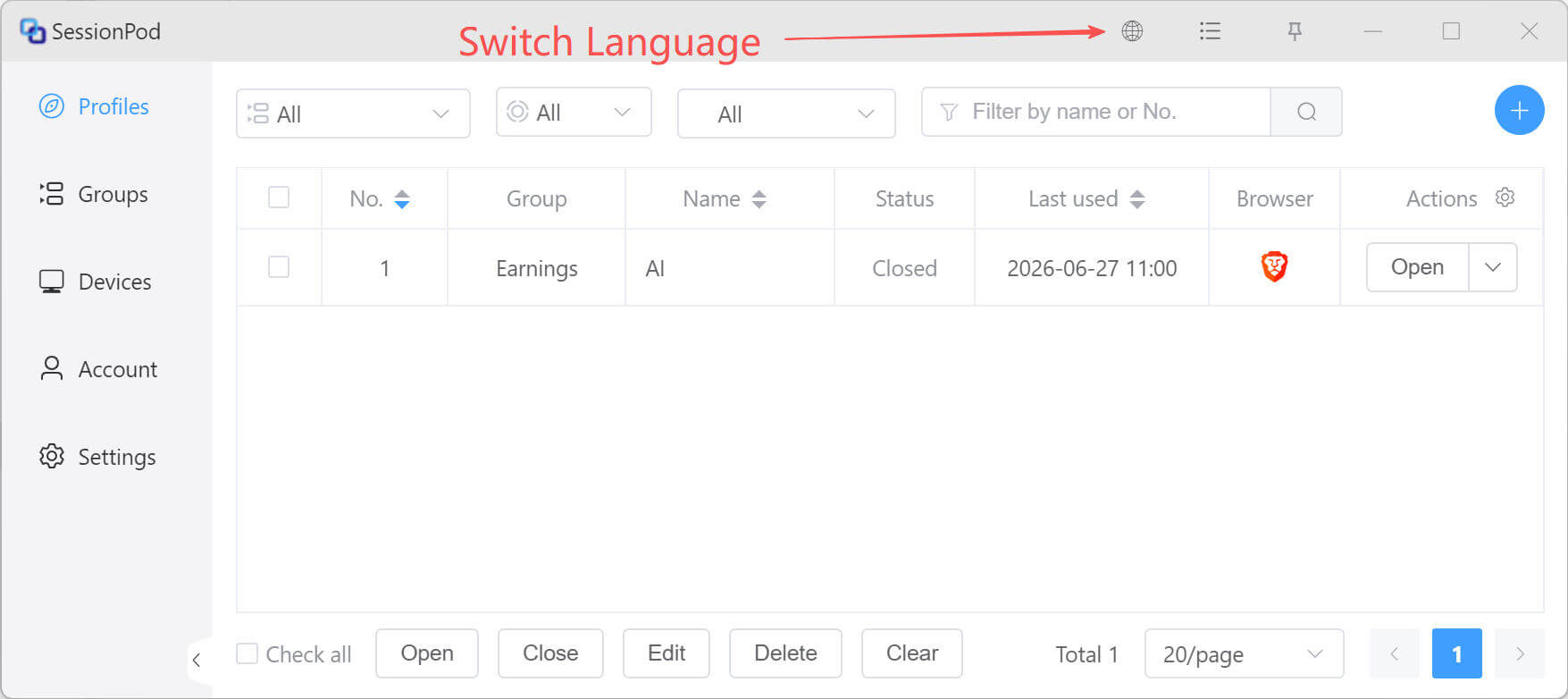
To switch the display language of the SessionPod app, click the Language icon in the top menu bar, then choose the language you want in the language selection window, as shown below:
To switch the display language of the SessionPod app, click the Language icon in the top menu bar, then choose the language you want in the language selection window, as shown below: