Forgot Password
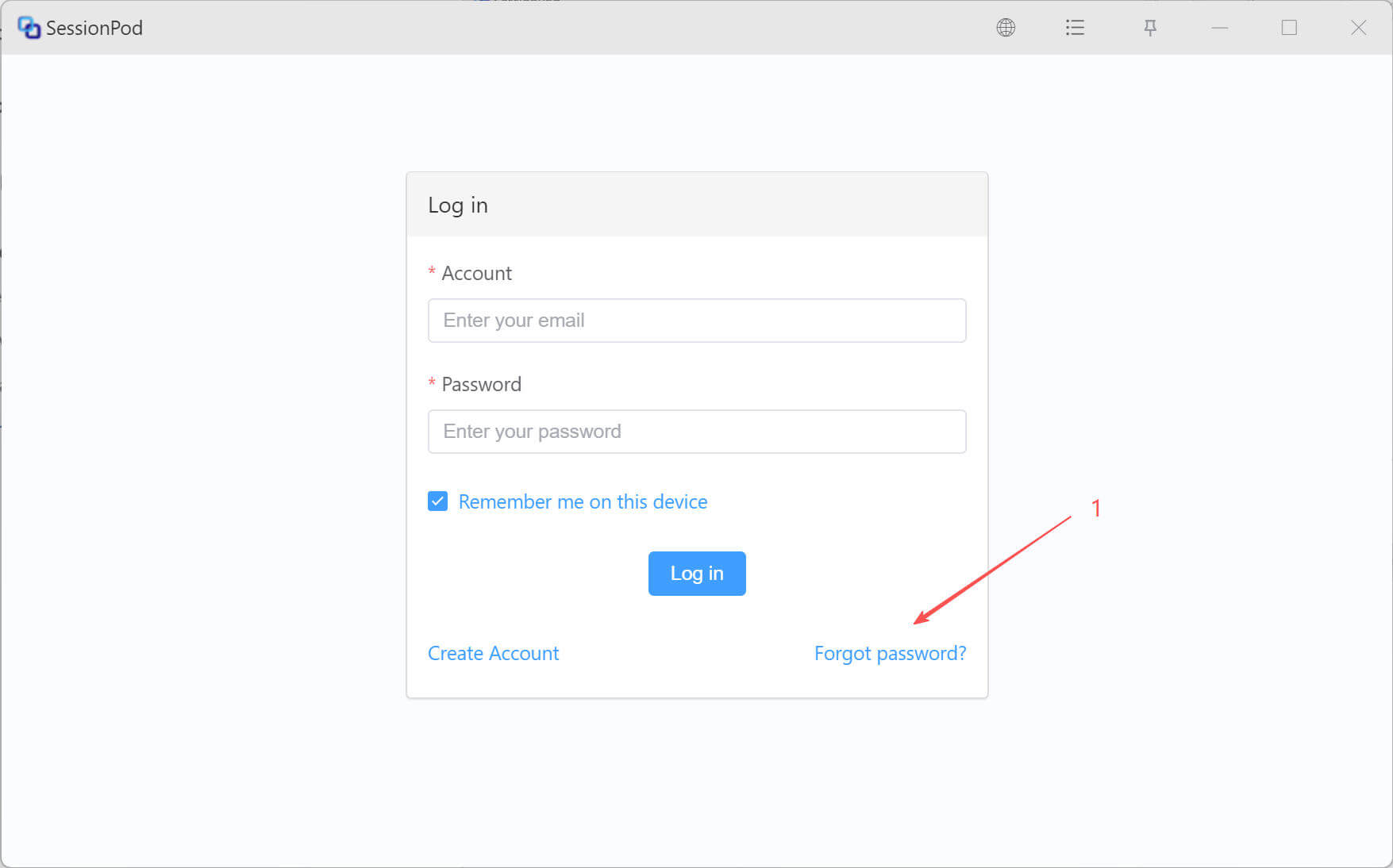
If you forget your password, click Forgot Password on the login page, as shown below:
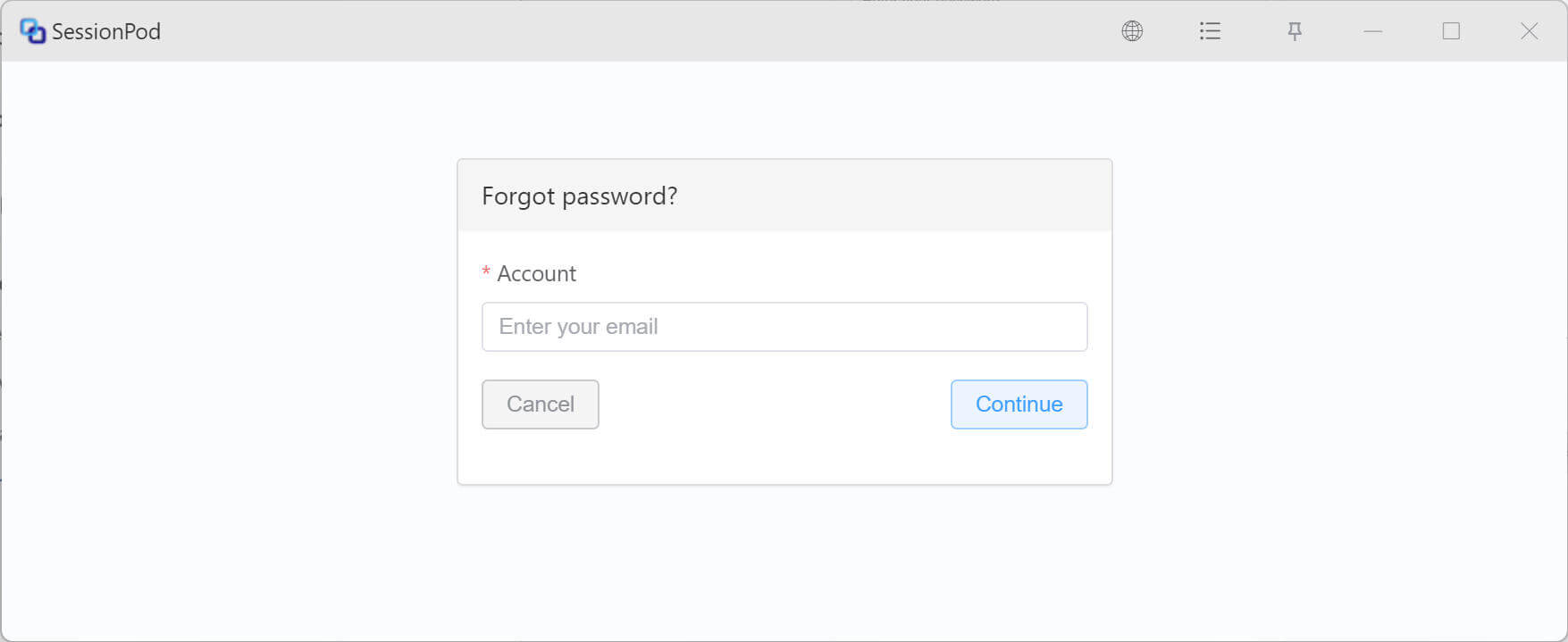
Enter your software account, then click Continue, as shown below:
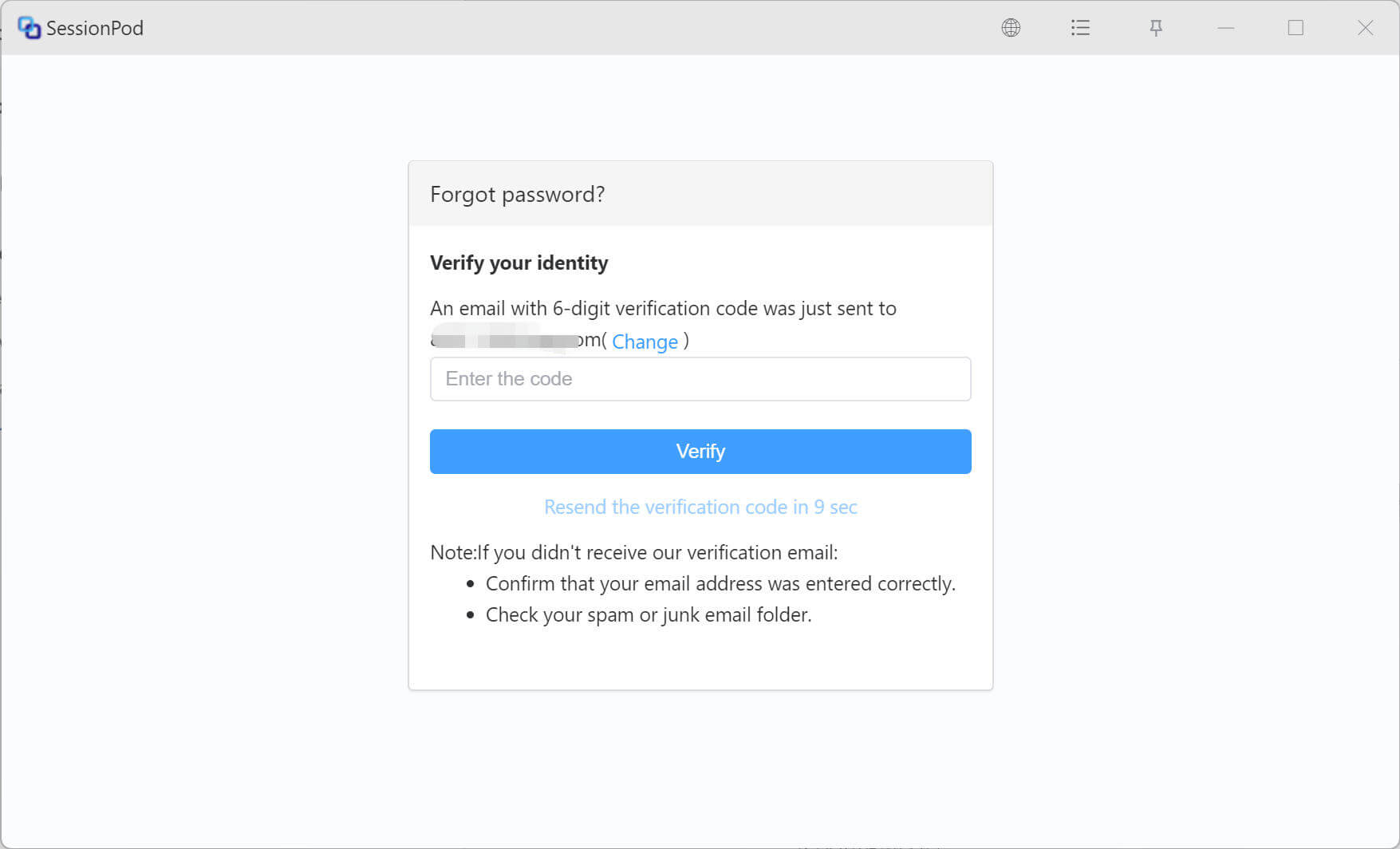
The system will send an email containing a 6-digit verification code to your inbox. Check your email, enter the code, then click Verify, as shown below:
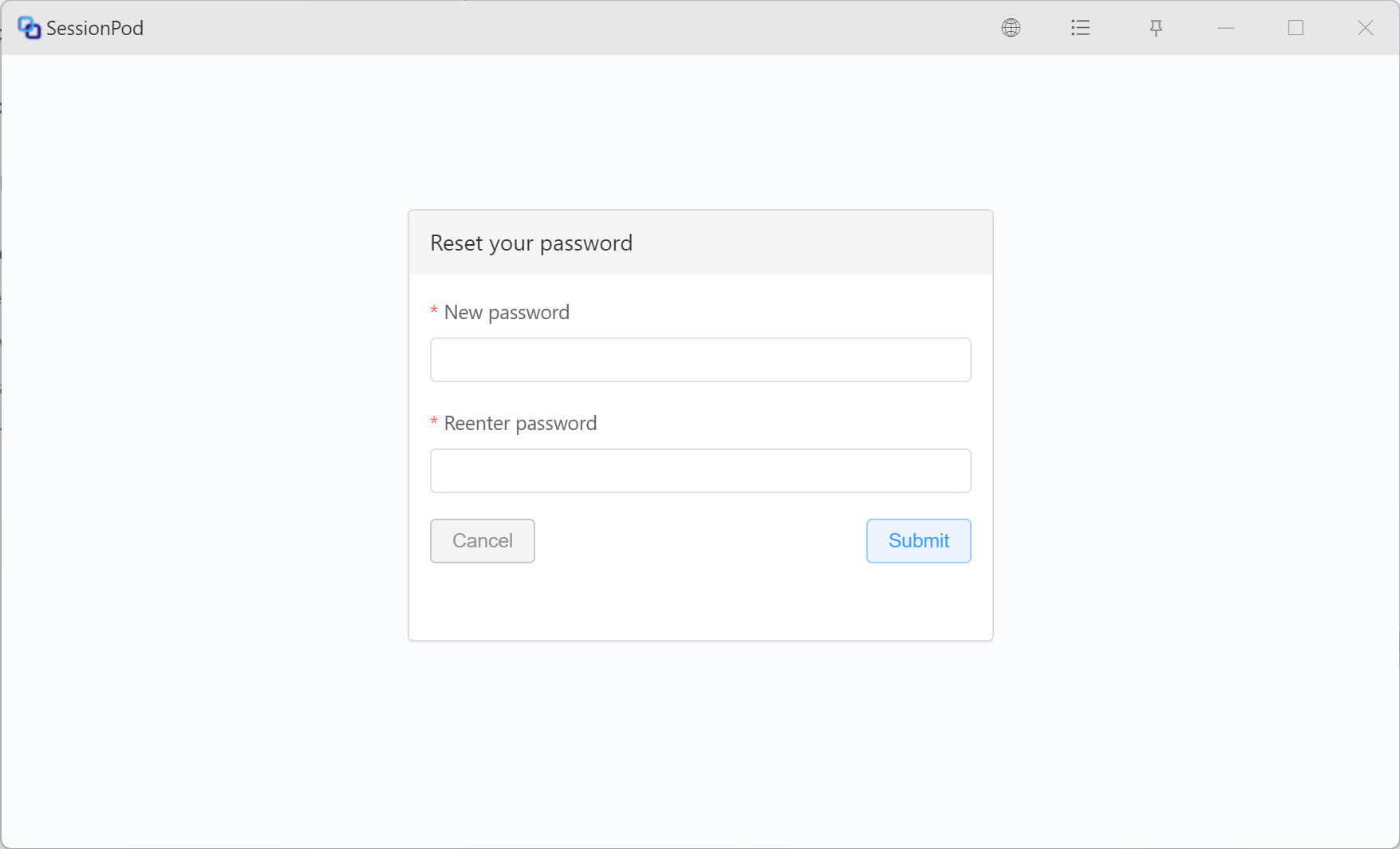
After verification, you can set a new login password. Enter the new password twice, then click Submit to complete the password reset, as shown below: