Change Password
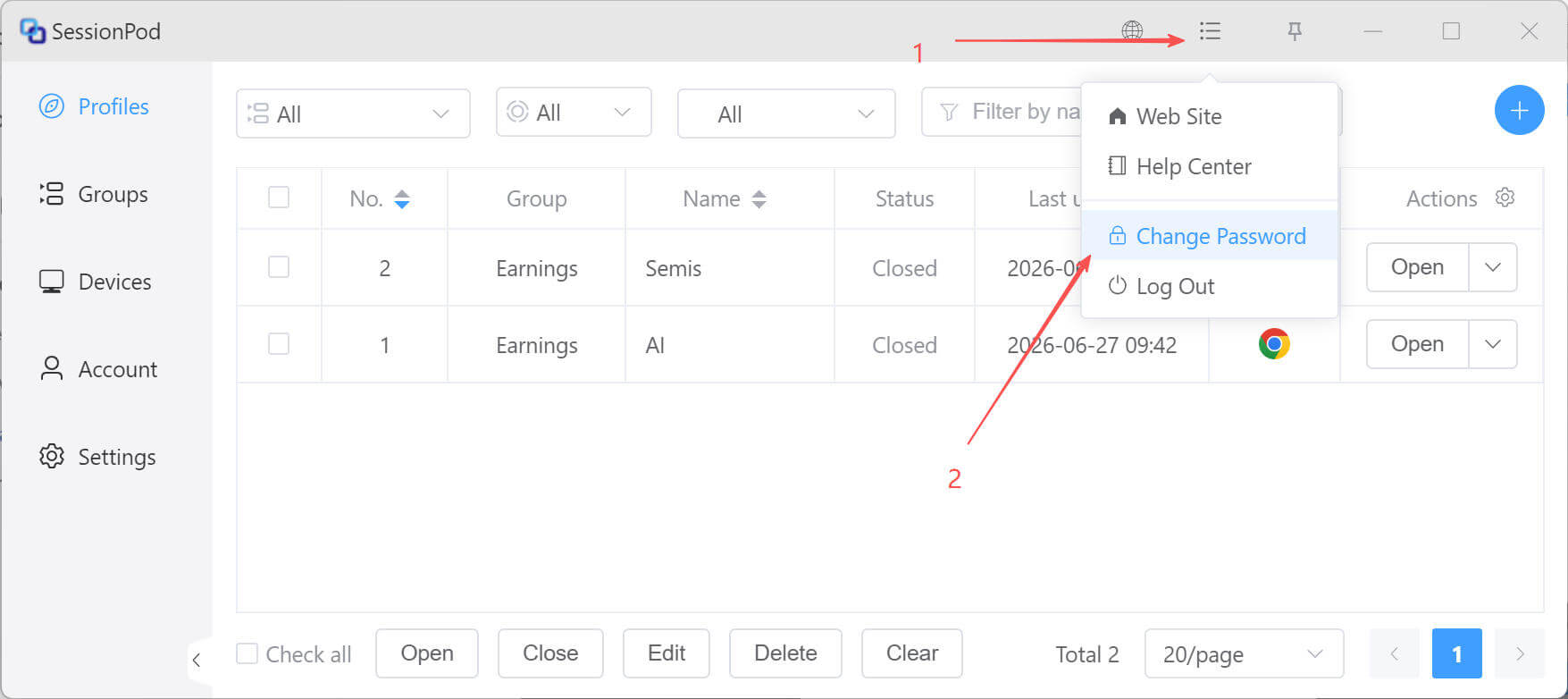
This chapter explains how to safely change the login password for your SessionPod account while signed in. As shown below, first click Change Password.
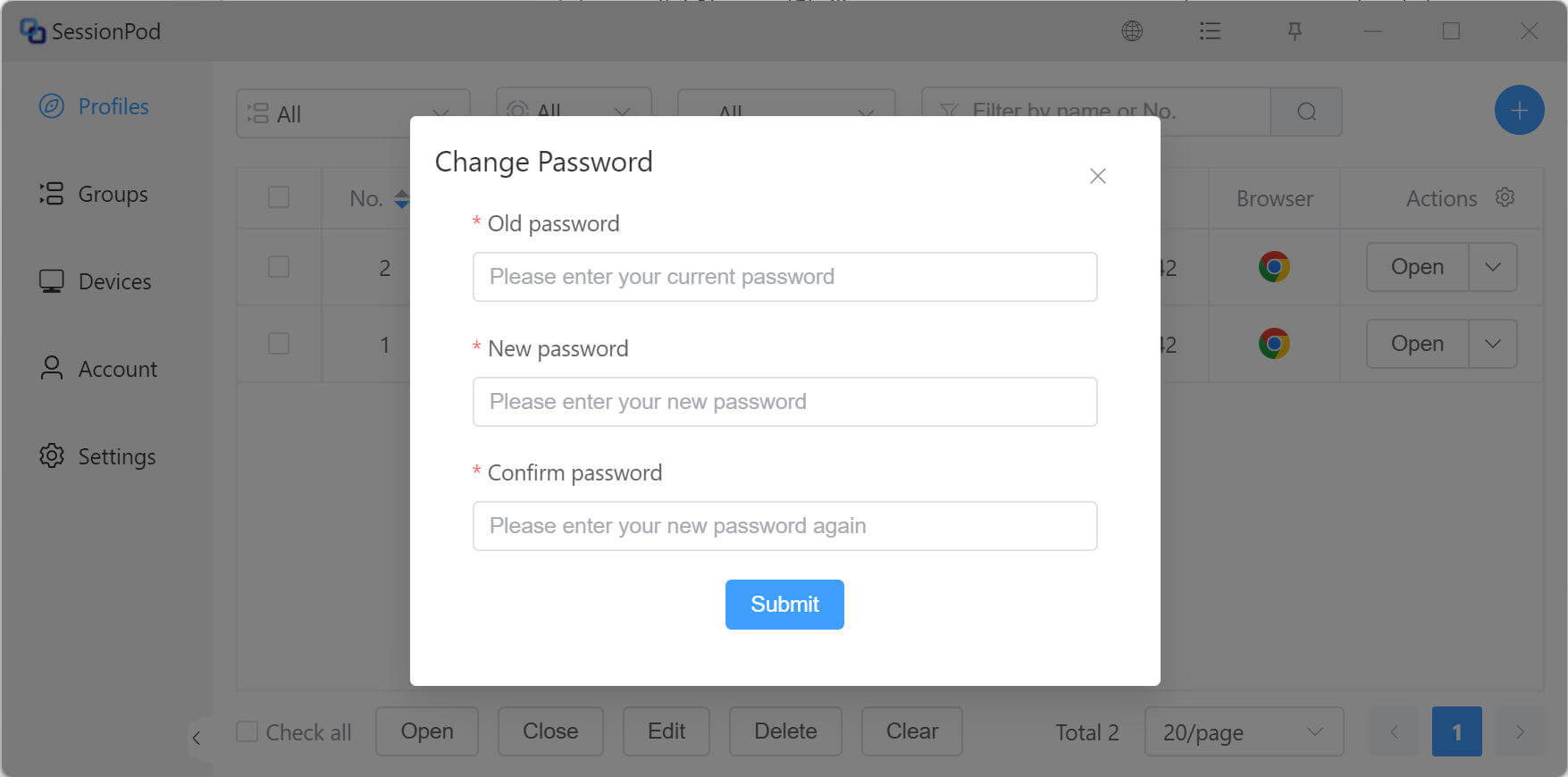
In the dialog that appears, enter your current login password, set a new login password, then click Submit to complete the password change, as shown below: