Search Profiles
This chapter explains how to efficiently search, filter, and refine your browser profiles in SessionPod.
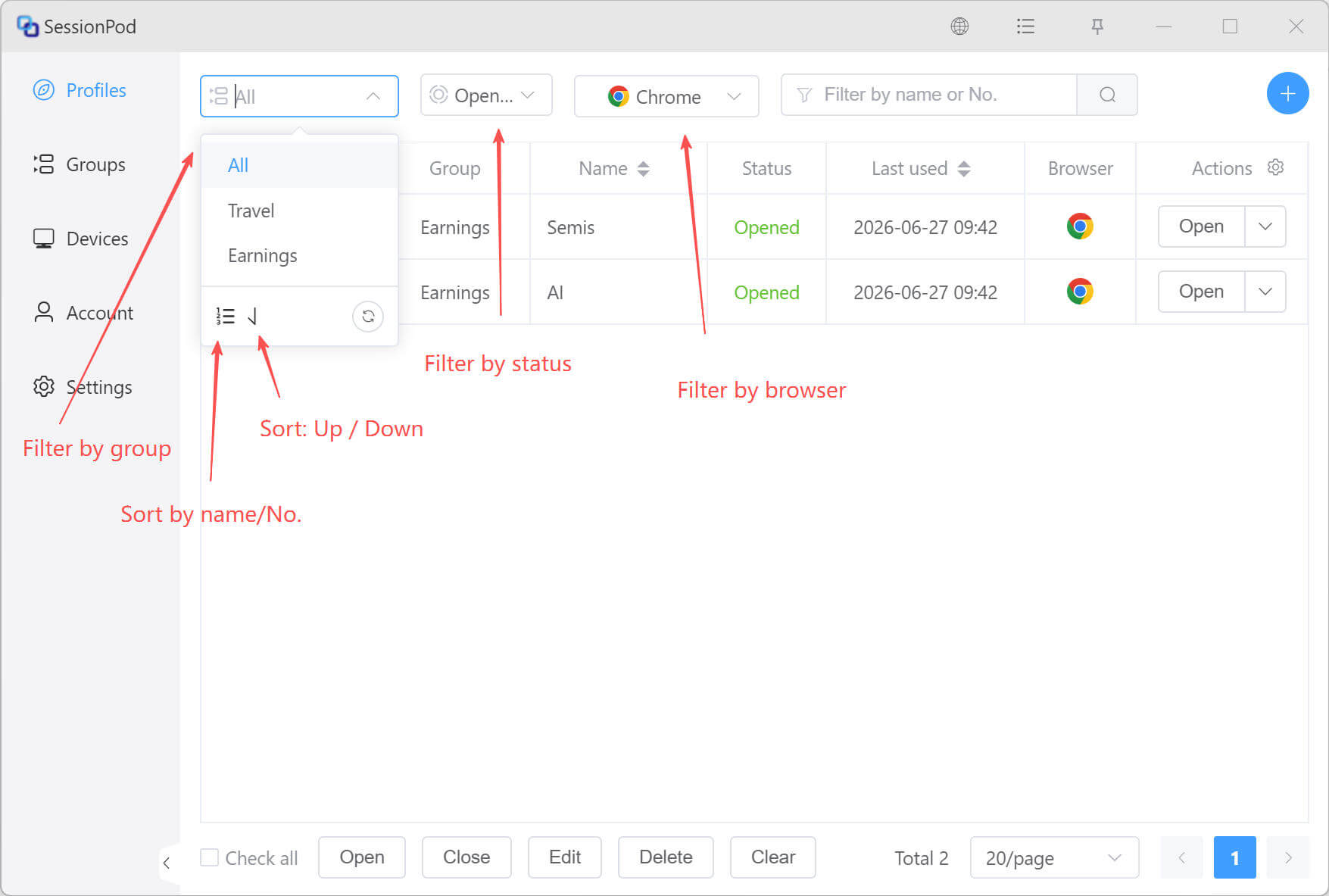
Search profiles by conditions
Configure the list display
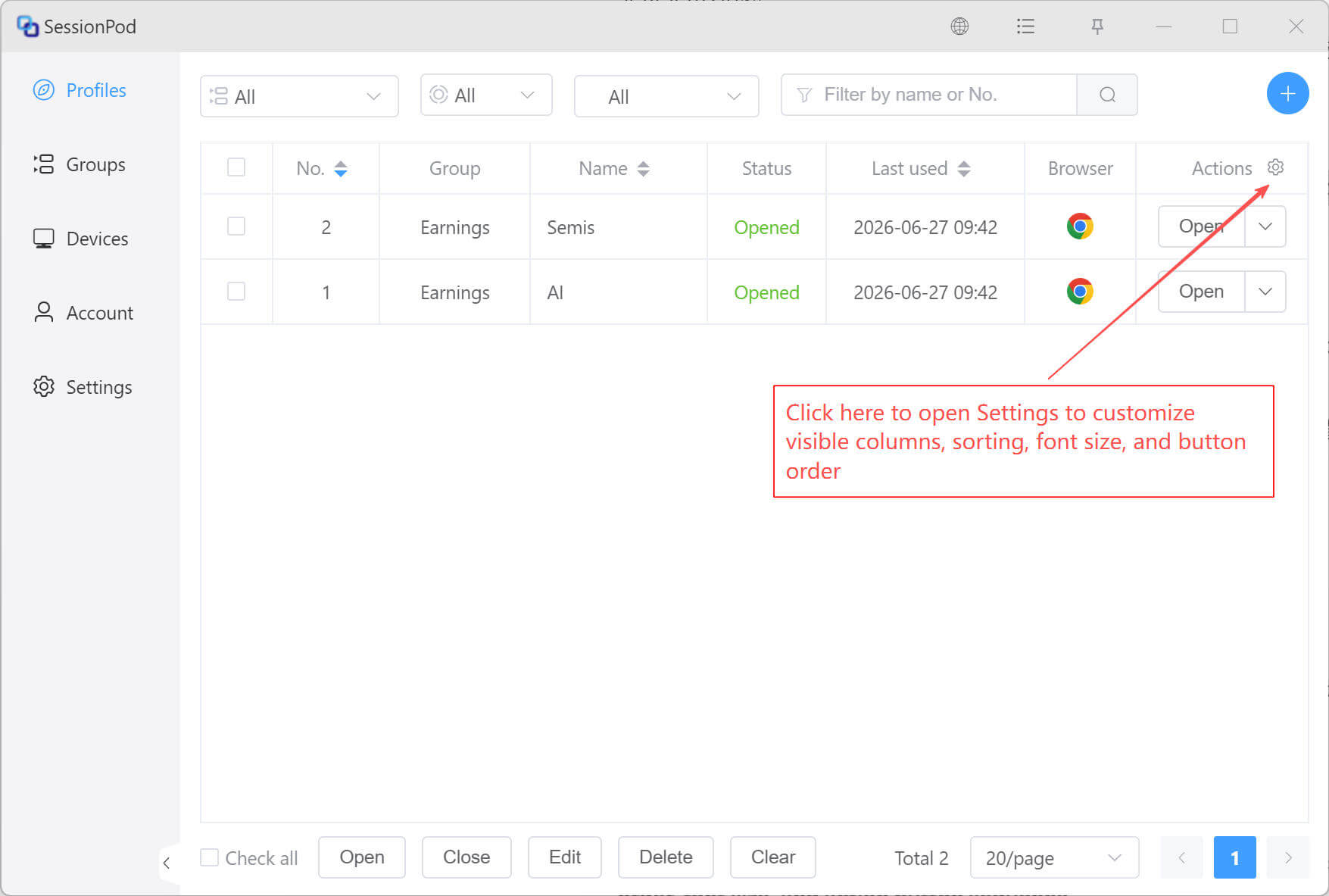
In the profile list, click the Settings icon as shown below:
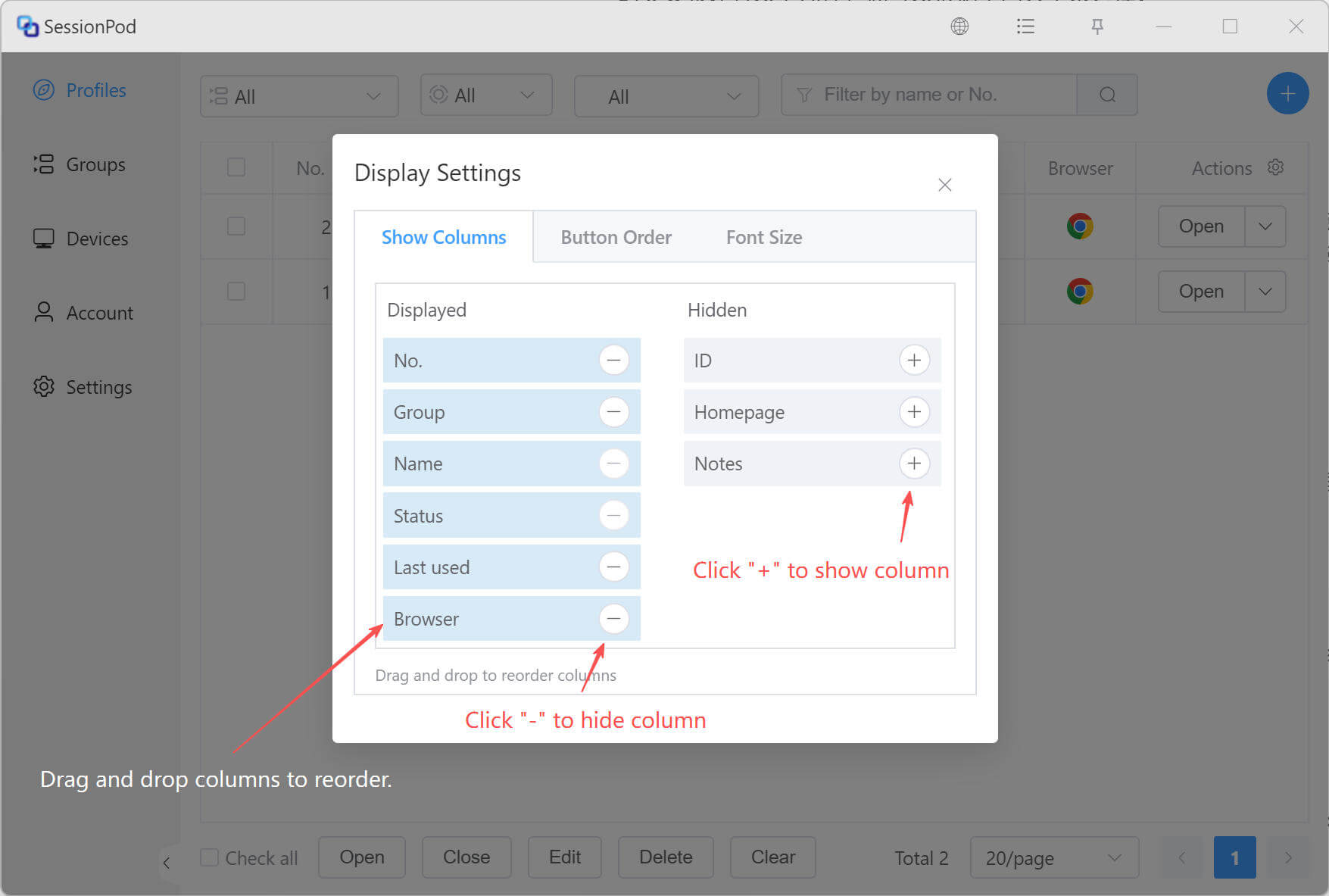
Configure visible columns and sorting
Configure action button order
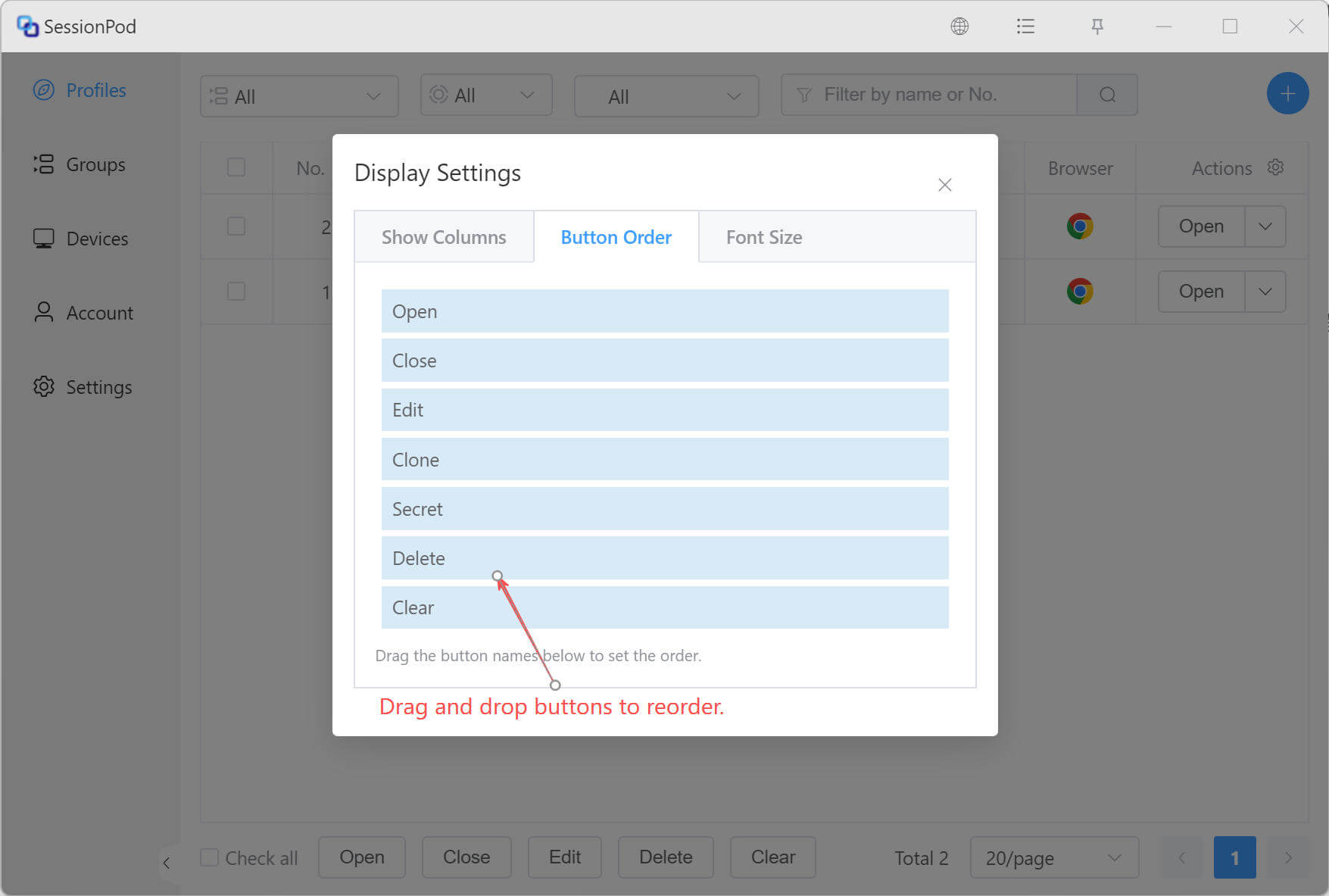
In the settings shown above, you can drag action buttons to adjust their display order, making the interface better match your habits.
The result after configuration is shown below:
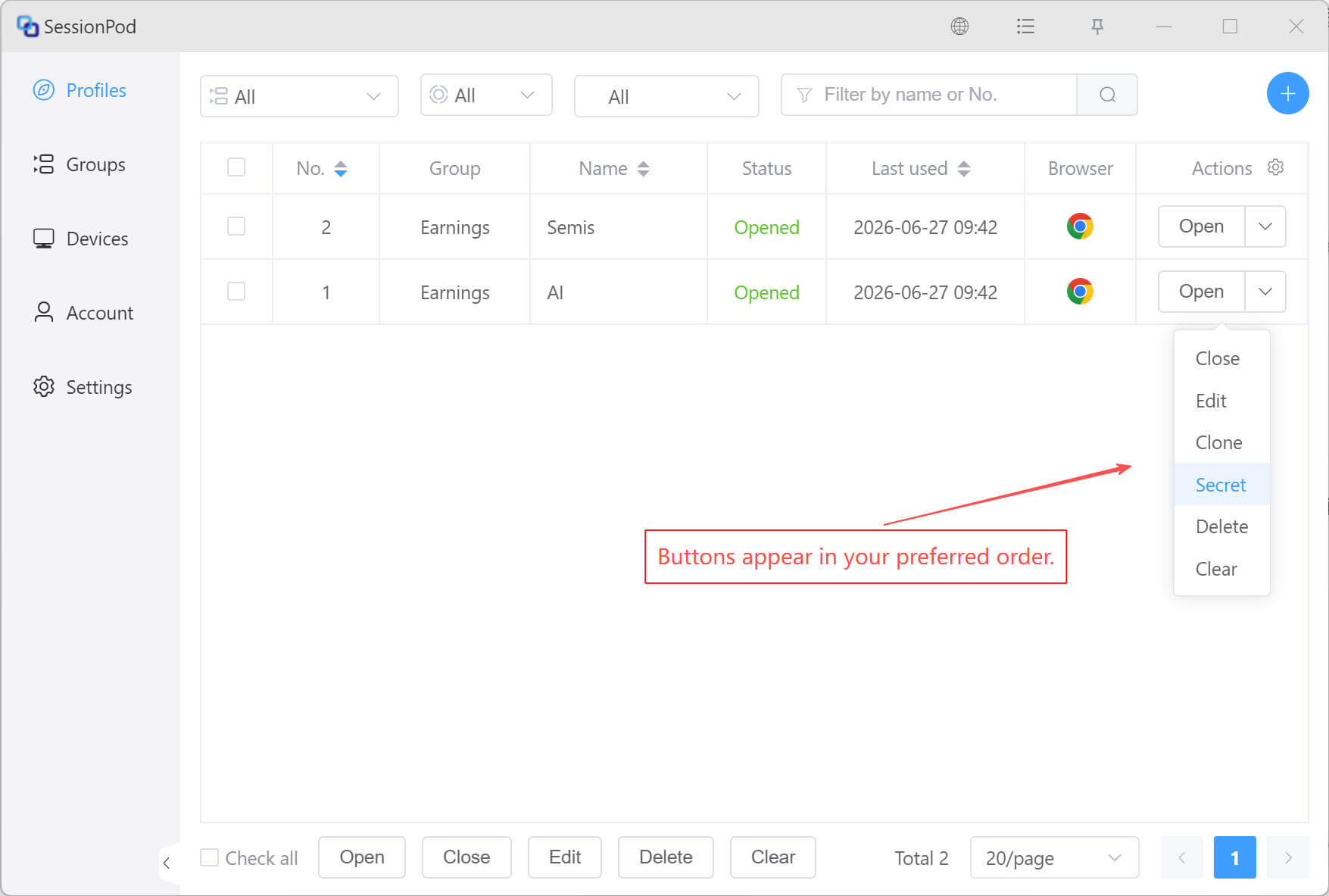
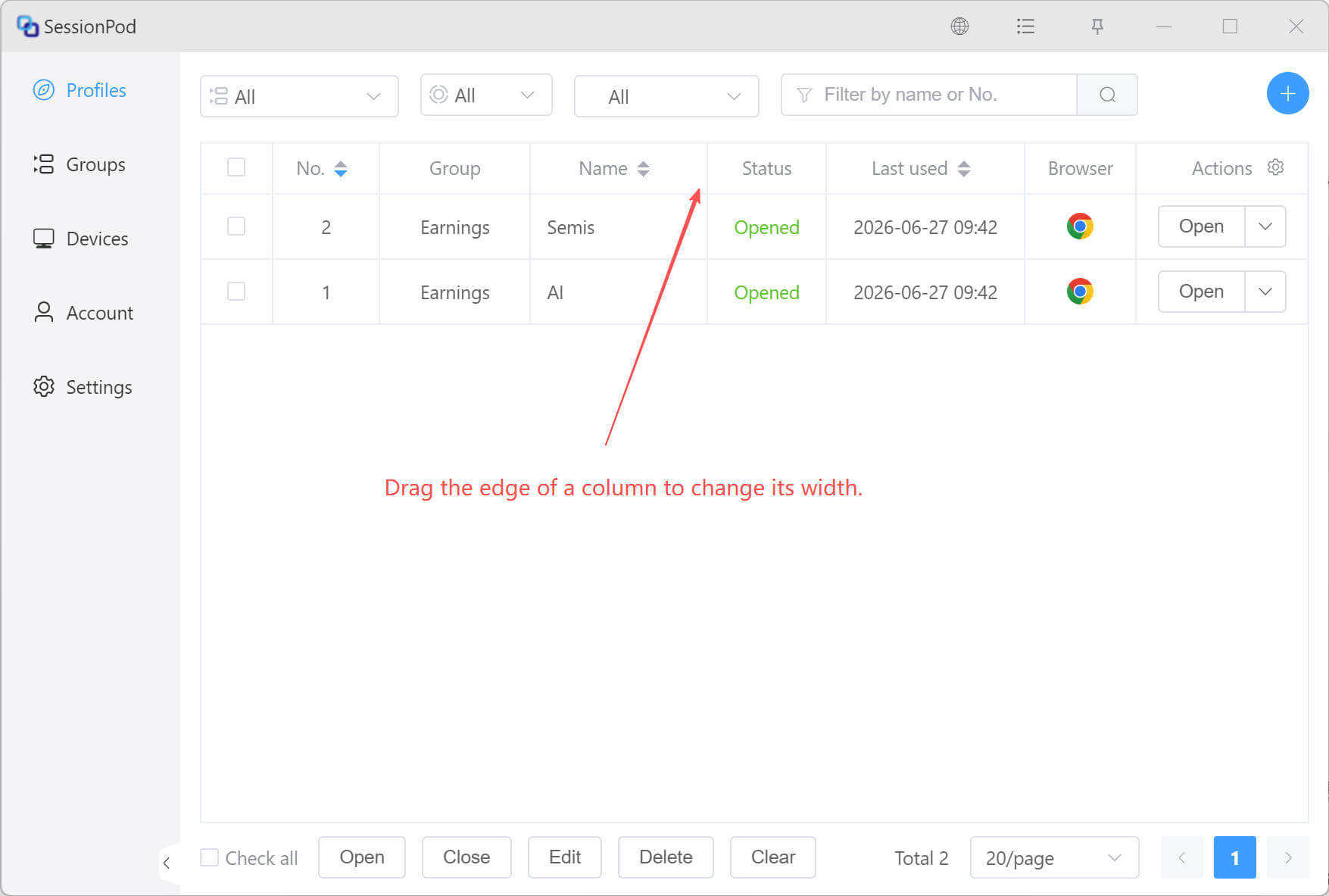
Adjust column width
In the profile list, drag the boundary of a column header to adjust each column's width, making profile information easier to view and manage.